
Secret Apps That Look Like Games
Ever wondered if some mobile apps that look like games actually do something more discreet — like protecting your private messages, hiding files, or keeping certain content under wraps?
It might sound like something out of a spy movie, but there’s a real category of apps that disguises privacy tools as casual games or innocuous interfaces. These can help protect your personal data from prying eyes — but they also raise questions about security, trust, and responsible use.
In this guide, we’ll break down what these apps are, how they work, examples worth knowing, and tips for choosing them wisely — all in straightforward, practical terms.
This Article Is Belongs To The App Guides
Table of Contents
What Are “Secret” Apps Disguised as Games?
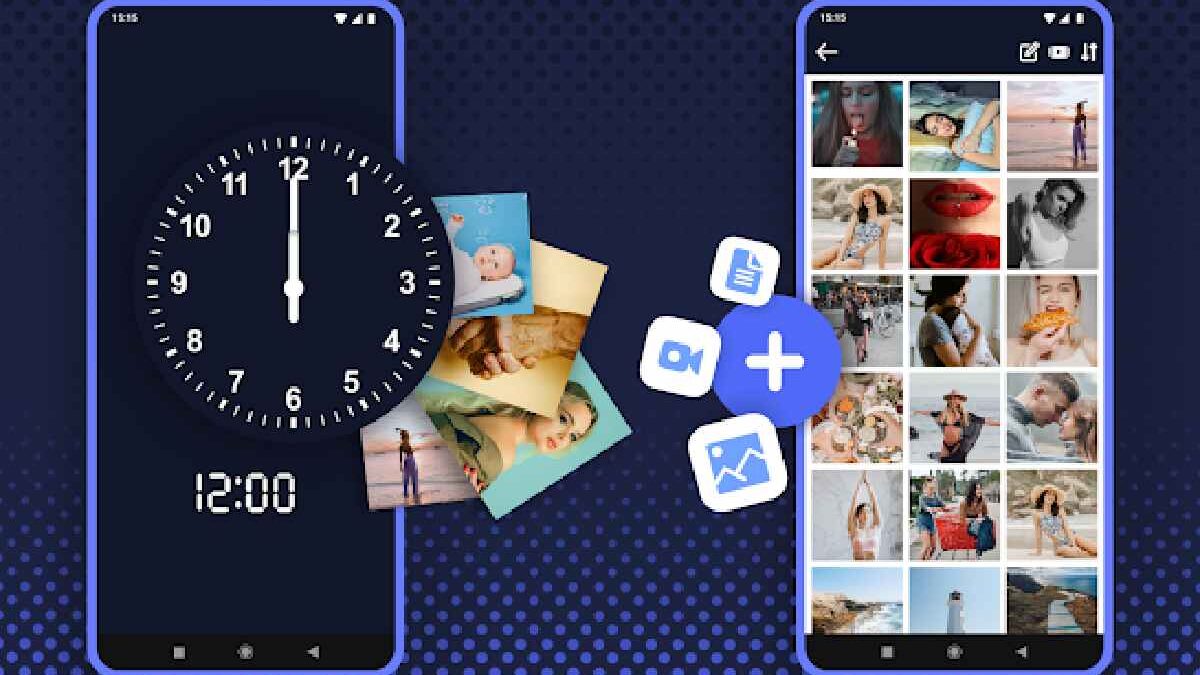
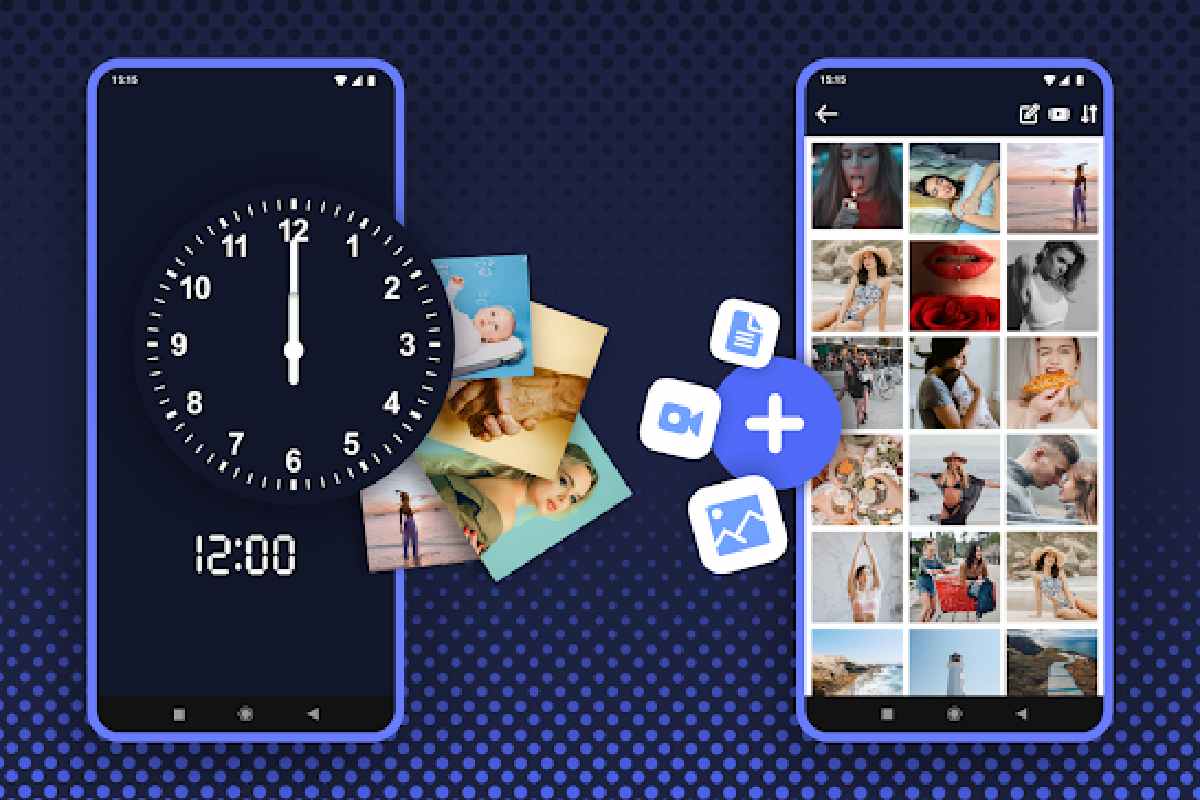
“Secret apps that look like games” are mobile applications that hide their true function —typically related to privacy or data security—behind a game-like interface or an innocent-looking icon. The idea is that someone casually browsing your phone won’t suspect there’s a private vault or hidden engine behind what appears to be just another game.
These tools may store hidden messages, protect sensitive files, or hide other apps — but their disguise helps them stay “in plain sight.”
The idea of accessing apps through a game-like interface is also becoming more common with browser-based services. For example, Now.gg cloud gaming lets users access supported games through the cloud without relying entirely on traditional local installations.
Why People Use Them
People turn to these apps for a few practical reasons:
| Reason | Explanation |
|---|---|
| Privacy from others | Placing sensitive data or chats behind a game icon makes them less obvious. |
| Shared devices | When friends or family borrow your phone, these apps keep private content hidden. |
| Convenience + safety | Some offer extra password or PIN security beyond normal app locks. |
That said, using them responsibly and only for legitimate personal data protection is important — especially since anything “hidden” can also be misused.
Features That Make a “Secret Game” App Useful
A good app in this category typically includes:
| Feature | What It Does |
|---|---|
| Camouflaged icon | Makes it look like a game, calculator, or tool. |
| Hidden vault | Stores files, photos, and chats securely. |
| Password/PIN unlock | Adds an extra protection layer. |
| Biometric unlock | Optional fingerprint/face unlock for convenience. |
Top Examples
Below are types of apps currently discussed in trusted sources. Availability may vary by platform and region — always download from official app stores only.
| App or Tool | Disguised As | Main Hidden Feature |
|---|---|---|
| Calculator Vault / HideU (iOS & Android) | Calculator app for basic arithmetic | Hidden storage for photos/videos, password-protected vault. |
| Secret Space – App Hide & Clone | Utility/game-like interface | Hides apps and private accounts in a vault, with app clone support. |
| App Hider/ HideMyApp tools | Calculator, a simple utility | Hides apps, messages, and photos under a fake interface. |
| Messaging apps disguised as games | Game-like UI | Secure chat services hidden behind playful UX. |
How These Apps Work — A Real-World Look
Most of these apps use one of the following approaches:
Hidden Vault Behind a Game
They appear as a casual game carousel or utility, but once you enter a secret PIN, the vault opens to reveal hidden data.
Disguised App Icons
Some apps change their icon to look like something else (a calculator, clock, or mini-game) so they blend in.
Encrypted Messaging Inside a “Game”
A few offer chat or messaging that is secured behind a game-like interface — only accessible via a password or embed codes.
Things to Consider Before Using Them
Security and privacy matter, and there are some important points to keep in mind:
-
Download from official app stores only.
Third-party stores may host malicious clones or unsafe versions. -
Check reviews and permissions.
Some apps ask for access they don’t need — be cautious. -
Understand the real purpose.
Hidden apps can protect privacy, but they can also be misused. Separate legitimate use from risky behavior. -
Know platform support.
Not all tools are updated regularly or supported on both Android and iOS.
If you’re also looking for web-based tools for managing personal online content, iGram.word is another type of utility worth exploring. It can be used to save publicly available Instagram content for personal reference, subject to the creator’s rights and platform rules.
Tips for Choosing a Secret Game App
| Factor | What to Look For |
|---|---|
| Transparency | Clear privacy policy and developer info |
| Strong lock options | PIN + biometric if possible |
| Data export/backup | To avoid losing files if the app is removed |
| Positive community feedback | Verified reviews from users and tech sites |
Legal & Ethical Note
While privacy tools can be legitimate, using them to conceal harmful or illegal activity is inappropriate. Always ensure your use aligns with local laws and personal ethics.
If you’re interested in other practical technology guides, you can also explore our guide to choosing the right Apple Watch adapter and charger, especially if you regularly use Apple accessories alongside your mobile devices.
Conclusion
Secret apps that look like games are an interesting fusion of fun and function. They’re not just novelty items — many can genuinely help protect your privacy when used responsibly.
However, choose carefully. Look for trusted options, download from verified sources, and understand exactly what each app does before relying on it to protect sensitive content.