
Table of Contents
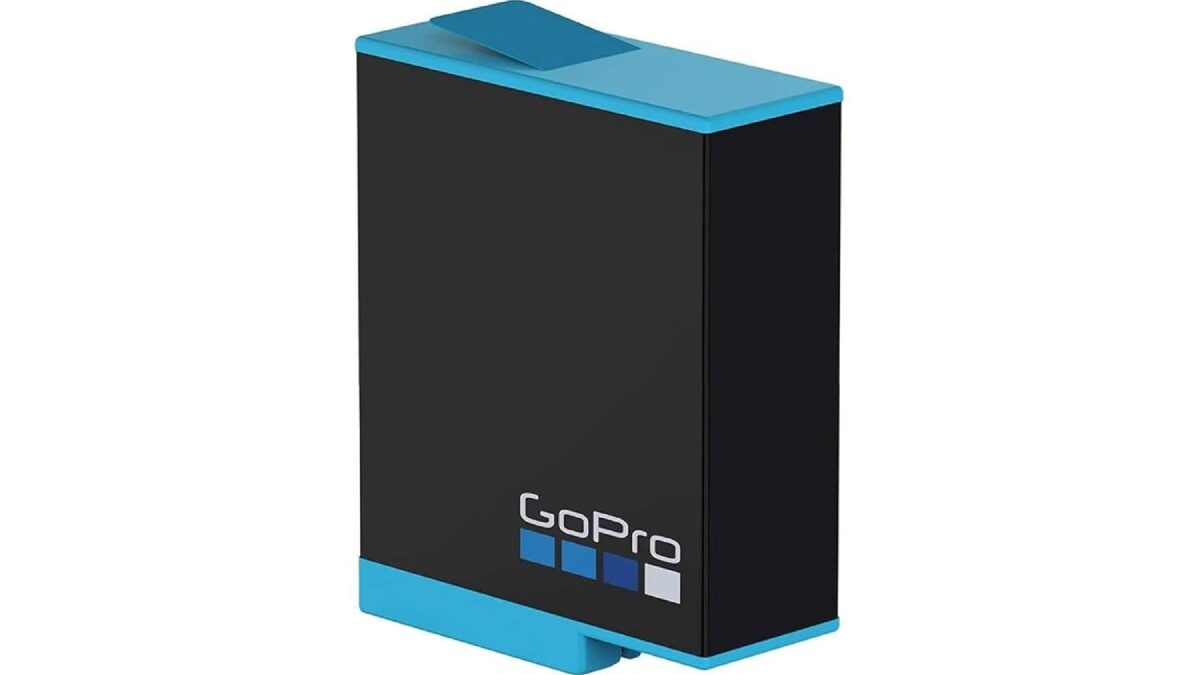
Go Pro hero 9 Battery
The GoPro Hero 9 Black battery has a larger 1720 mAh battery than its predecessors.
The company claims it offers up to 30 percent more battery life than the GoPro Hero 8 Black.
This article belongs to Accessories
Tips to Extend Your GoPro Hero 9
The GoPro Hero 9 has a 1720 mAh lithium-ion battery. Like previous GoPro cameras, you can quickly charge the battery while it’s inside your camera.
When on the Hero 9, the camera runs for about 2 hours and 11 minutes on a full charge (when recording in 4K). Consequently you’ll need to pack an extra battery if you’re planning a full day of filming.
If you’re also using your camera while gaming or creating gaming content, a comfortable desktop setup can make longer sessions easier. A lightweight honeycomb mouse is another useful accessory for creators and gamers who spend extended hours at their computer.
1. Reduce the Recording Resolution or Frame Rate
- The fewer pixels and frames your GoPro has to record.
- Less energy will be used. Therefore, please lower the recording resolution or frame rate of Hero 9 to increase the recording time.
2. Don’t use the Extra Settings (WiFi, GPS, Voice Control)
- Disable additional settings like WiFi, GPS, voice control, etc., can increase the battery life of Hero 9.
- Please note that you won’t get a drastic difference in running time. This step will add an extra 10-15 minutes.
3. Update the Firmware
- Updating the firmware on your Hero 9 camera will not only fix persistent issues but can also increase battery life, minor fixes the company might have implemented to improve battery performance.
4. Keep Your GoPro Off When Not Recording
- This one is a no-brainer. You should keep your Hero 9 off when you are not recording. It will help increase your execution time.
5. Keep Your Batteries Warm in Cold Weather
- Lithium ion batteries do not work well in cold weather. Therefore, consider replacing your GoPro’s battery in an inside zippered jacket pocket when the camera is not in use.
6. Turn Off the LCD Screen
- Keeping your Hero 9’s LCD screen on uses more power.
- Thus, if you’re looking to save your GoPro’s battery life, here you’re better off sticking to the old-fashioned way of not using the LCD screen while using the camera.
7. Use a Wall Charger
- Instead of using the USB cable from your PC, Once your camera is charged and you’re reviewing your footage, you may also want better audio for playback. A Sonix Bluetooth speaker can be a convenient option for enjoying videos, music, and other content without relying on built-in device speakers.
charge your GoPro’s battery with a wall charger. It will help you get faster and better charging.
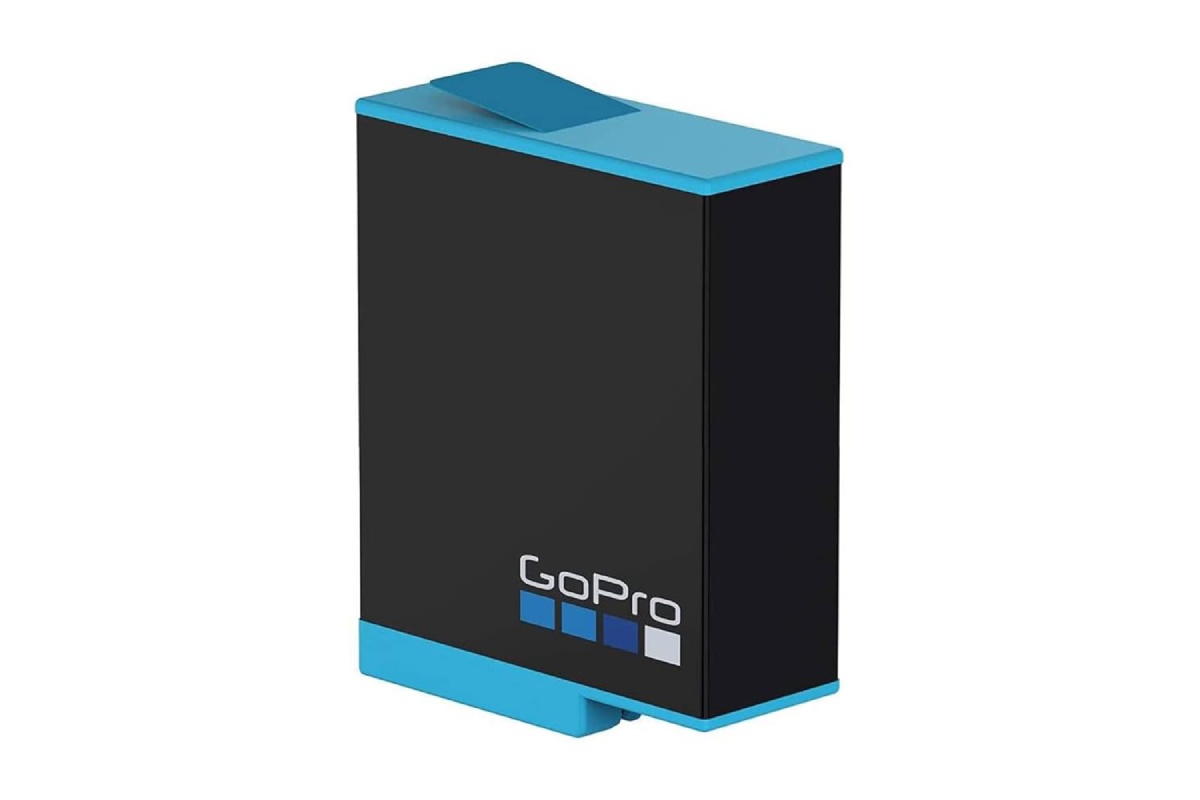
Battery for GoPro Hero 9
The Ace up your sleeve you need. With an extra battery, you won’t miss out on capturing a single moment in your next experience.
Features:
Battery Type: Li-
Thium Battery Capacity: 1750mAH
Multiple Protection: Protection program protects the battery from over-charging and over-discharging.
If you transfer your GoPro footage to a laptop for editing or playback, wireless audio can also be useful. This guide on how to connect AirPods to a Dell laptop can help when setting up your audio connection.
Description
- Use as a spare or spare battery for your GoPro
- Experience longer shooting times with your GoPro Hero 9 Black
- 1720 mAh rechargeable lithium-ion battery
Also Read: PS5 controller skin – Best of PS5 Controller Skin